Membership · Keytags · IDs
Every card.
One pocket.
Snap a card and it’s in: one photo keeps the card face and reads its barcode. Leave the plastic at home and show the phone that’s already in your hand.
- No account
- No cloud
- Encrypted on your phone
From the plastic
to your pocket.
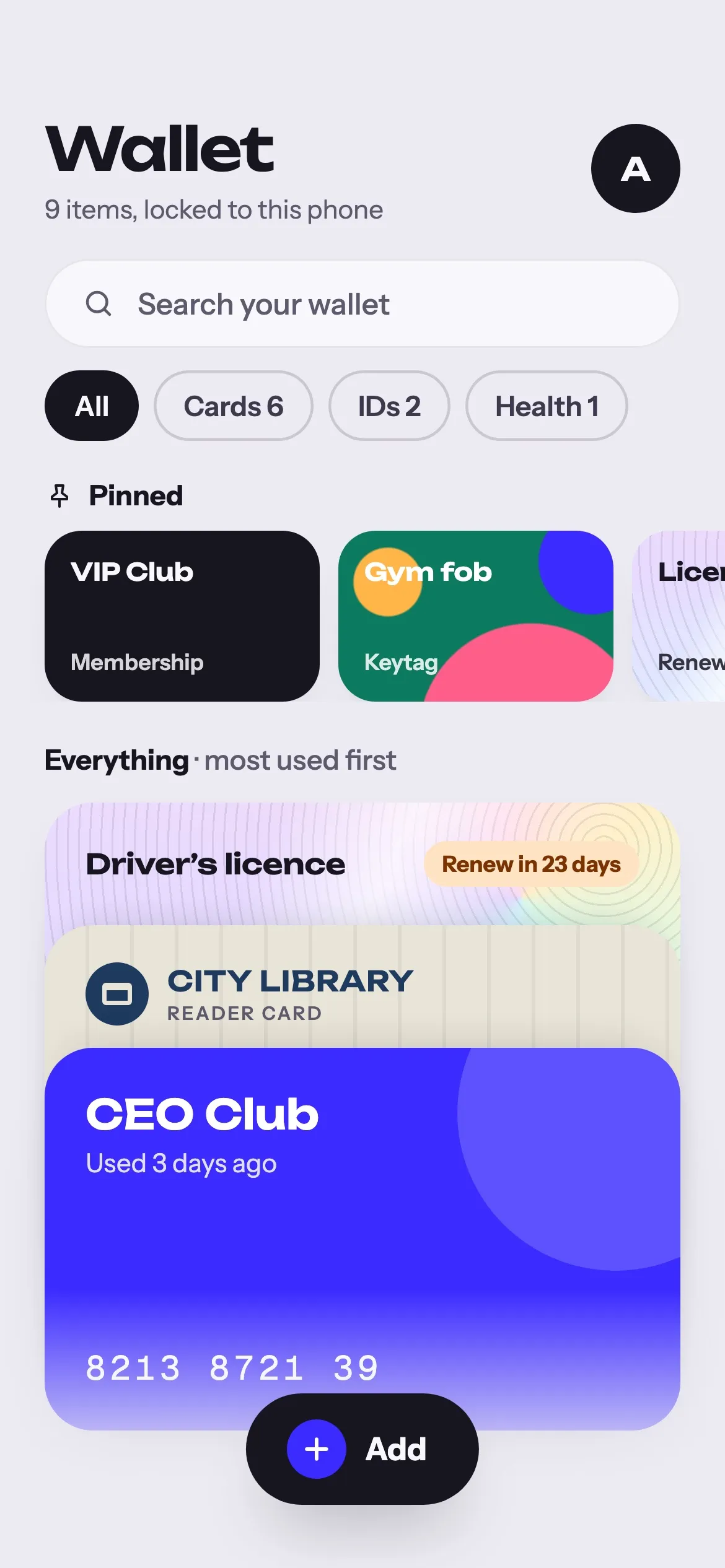
The Wallet does the boring part for you: it finds the card in the photo, reads the code, and puts the cards you use most on top.
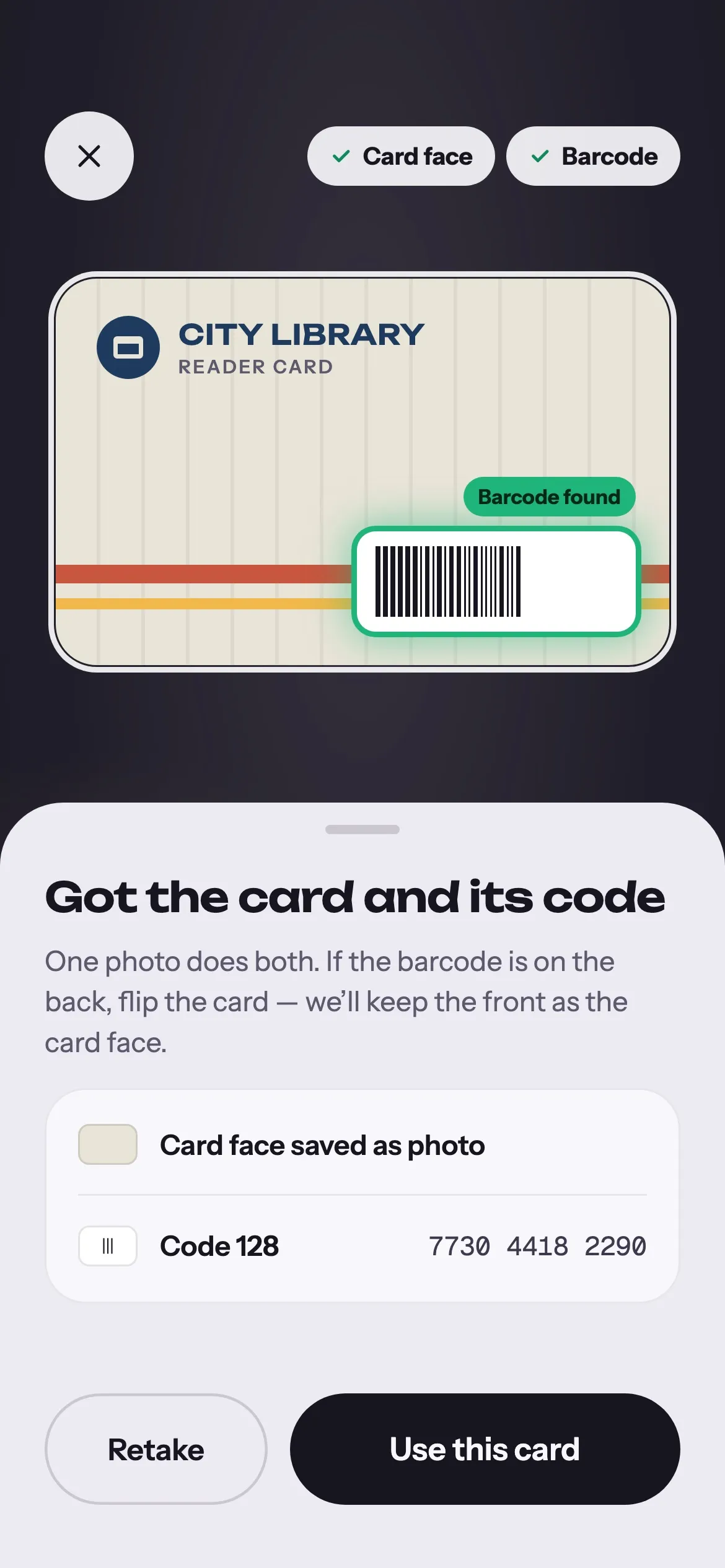
One photo.
Card and code.
Point the camera at a card. The Wallet finds its edges, straightens and crops it on your phone, and reads the barcode from the same shot. Barcode on the back? Flip the card; the front stays as the card face.
- Auto, Card, Fob and ID modes
- Pick a photo you already took
- Warns you before you add the same card twice
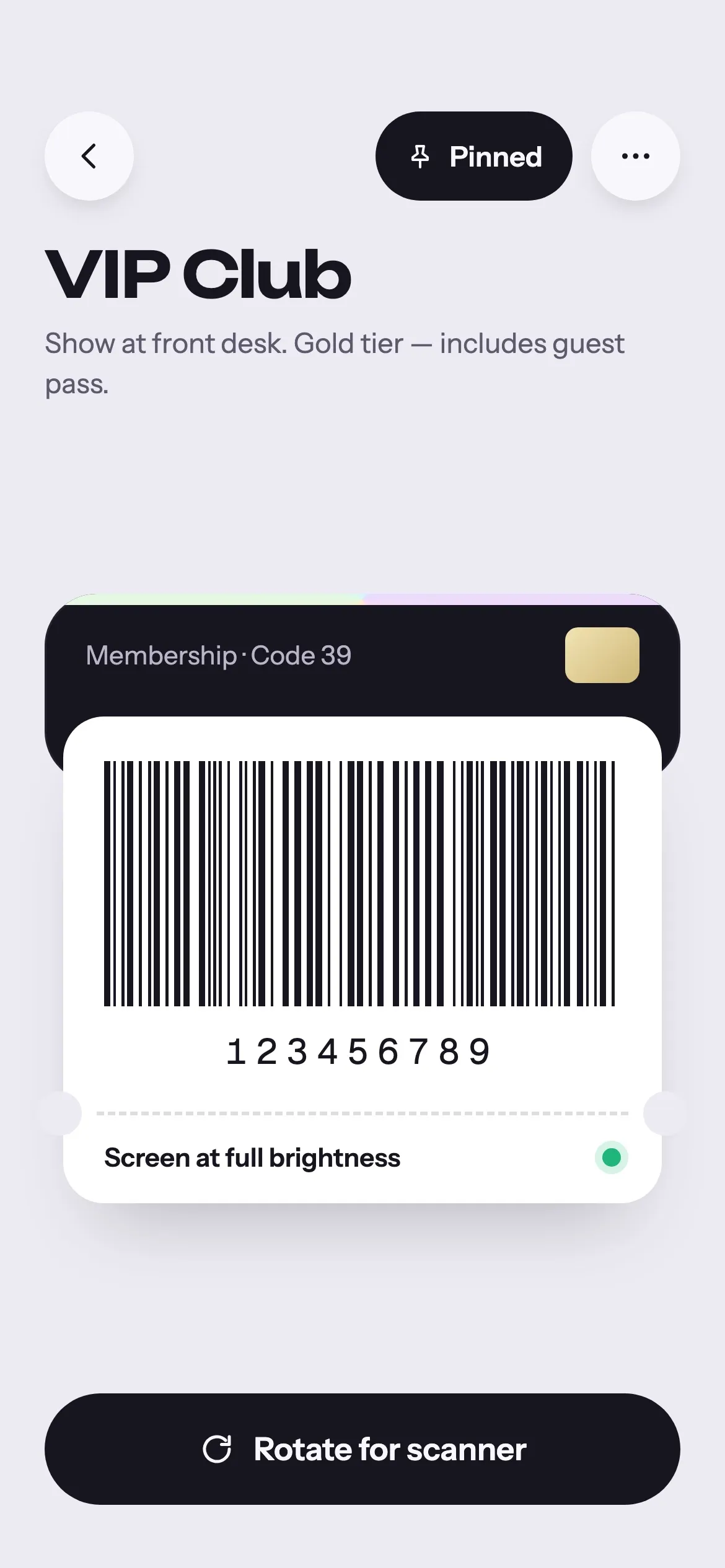
Scan-ready
at the till.
Open a card and the barcode is already big, sharp and on a white panel, with the screen at full brightness. Rotate the phone for a wider code when the scanner is fussy.
- 13 barcode formats, from EAN-13 to QR and PDF417
- White panel even in dark mode
- Pin the cards you use every week
Keytags get
real card art.
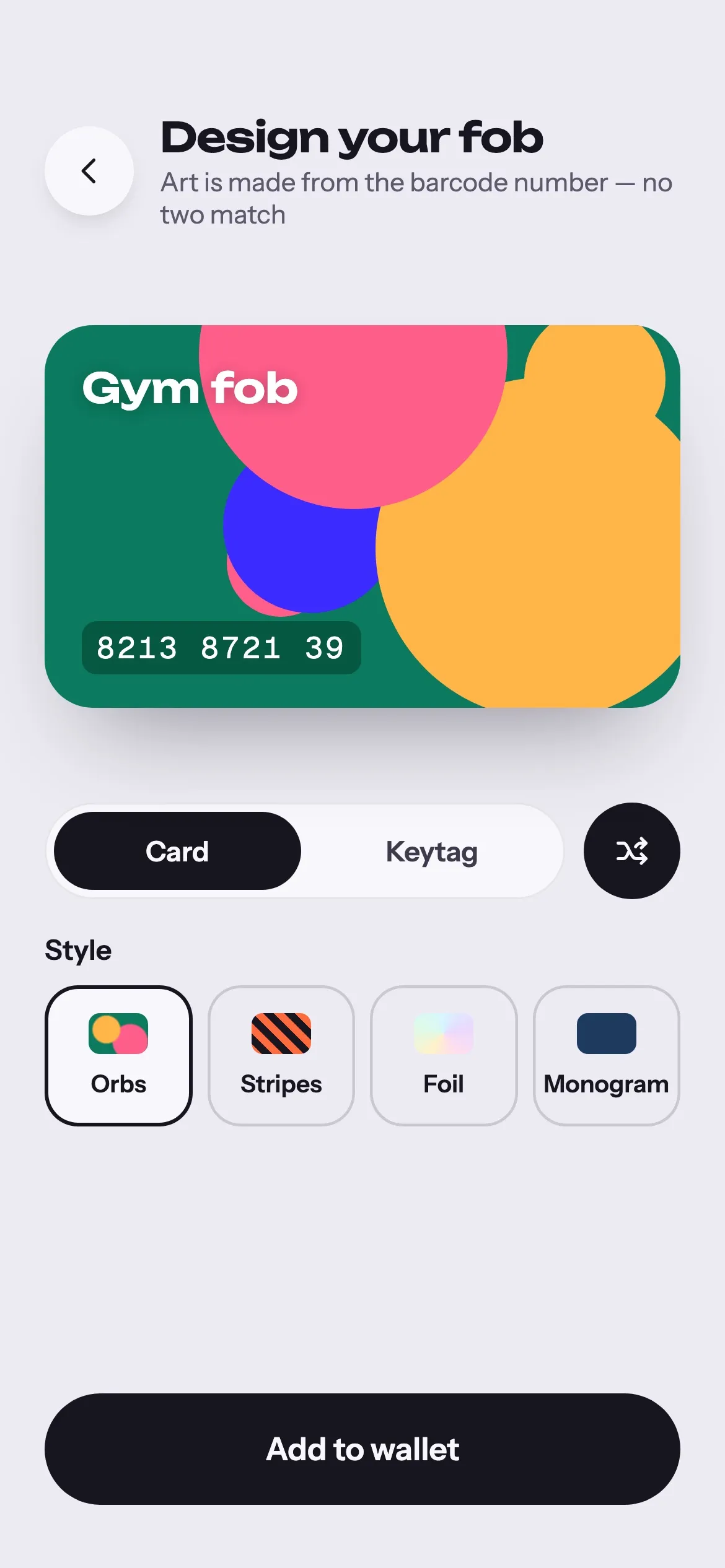
Use the card’s own photo or a colour picked from it. Gym fobs and keytags with no face get generated art made from their barcode number, so no two look the same.
- Orbs, stripes, foil or monogram
- Card or keytag shape
IDs that remind
you to renew.
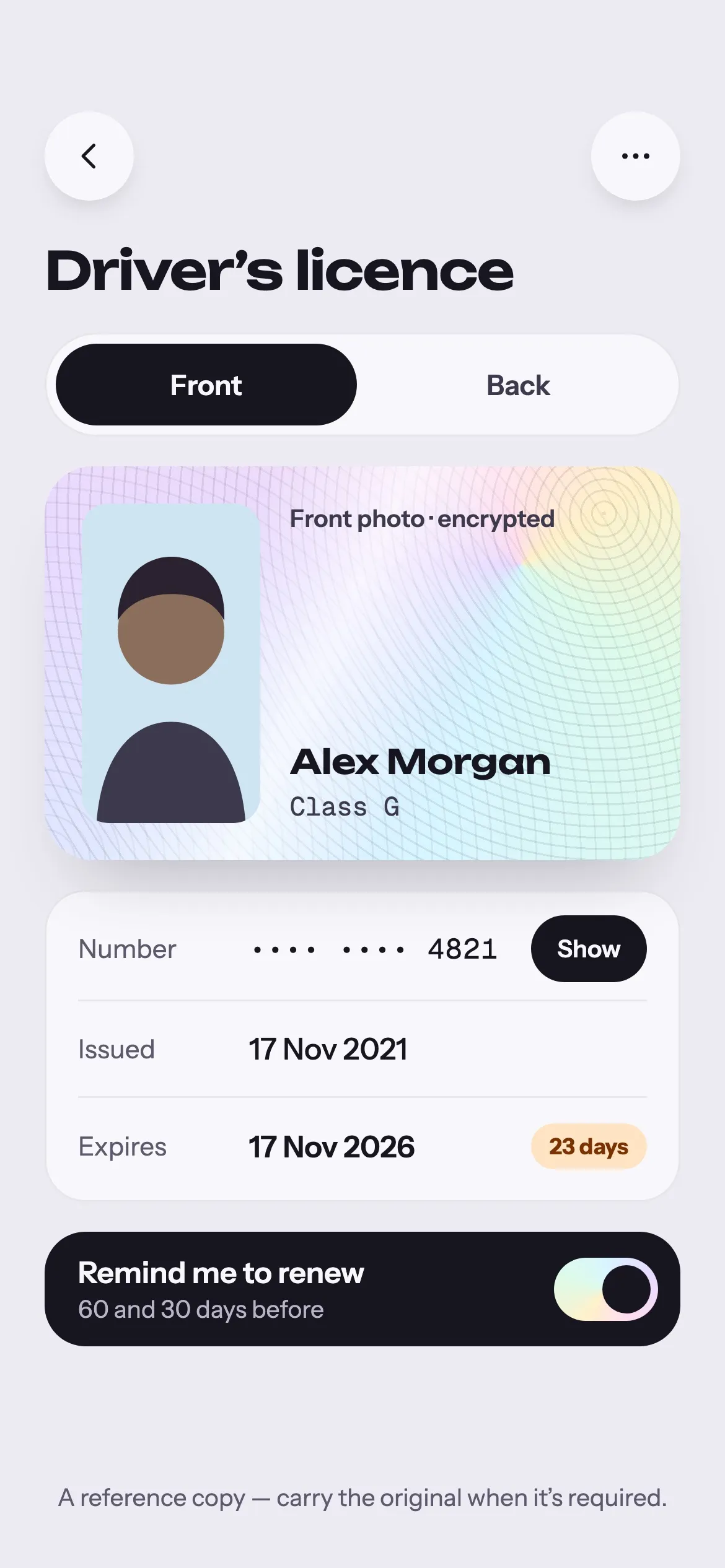
Keep reference copies of driver’s licences, ID cards, health cards, passports and insurance. US and Canadian licences fill in their fields from the barcode on the back, and you get a reminder 60 and 30 days before anything expires.
- Both sides of a document, front and back
- Reminders never show numbers or names
- No ads on document screens, ever
A reference copy is not a replacement. Carry the original when it’s required.
Most used first.
Gorgeous after dark.
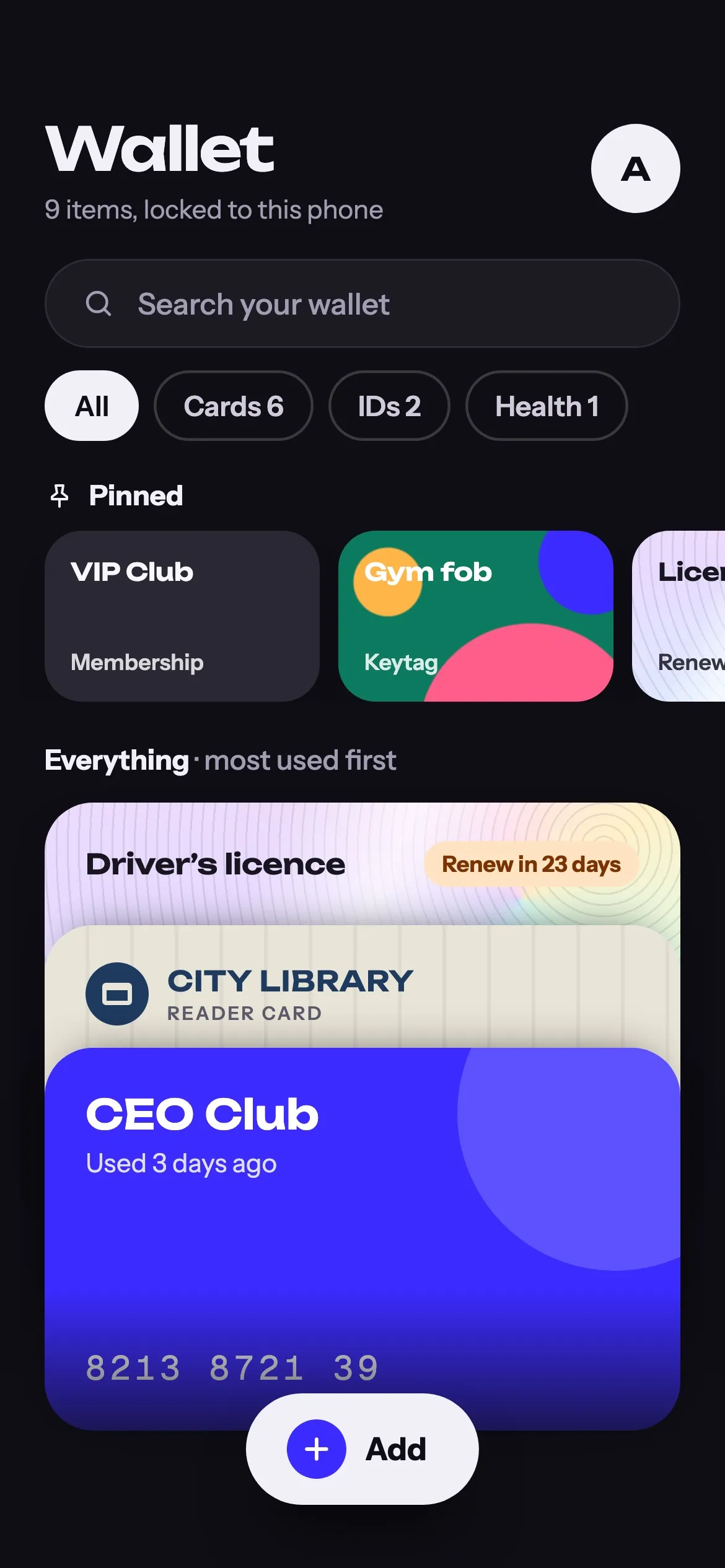
Pinned cards sit on top and everything else is sorted by what you use most. Filter by Cards, IDs or Health, switch between stack and grid, or search. A full dark theme follows your phone, down to the last foil edge.
- iPad layout with a card grid and split view
- Light and dark mode
Sealed with
your face.
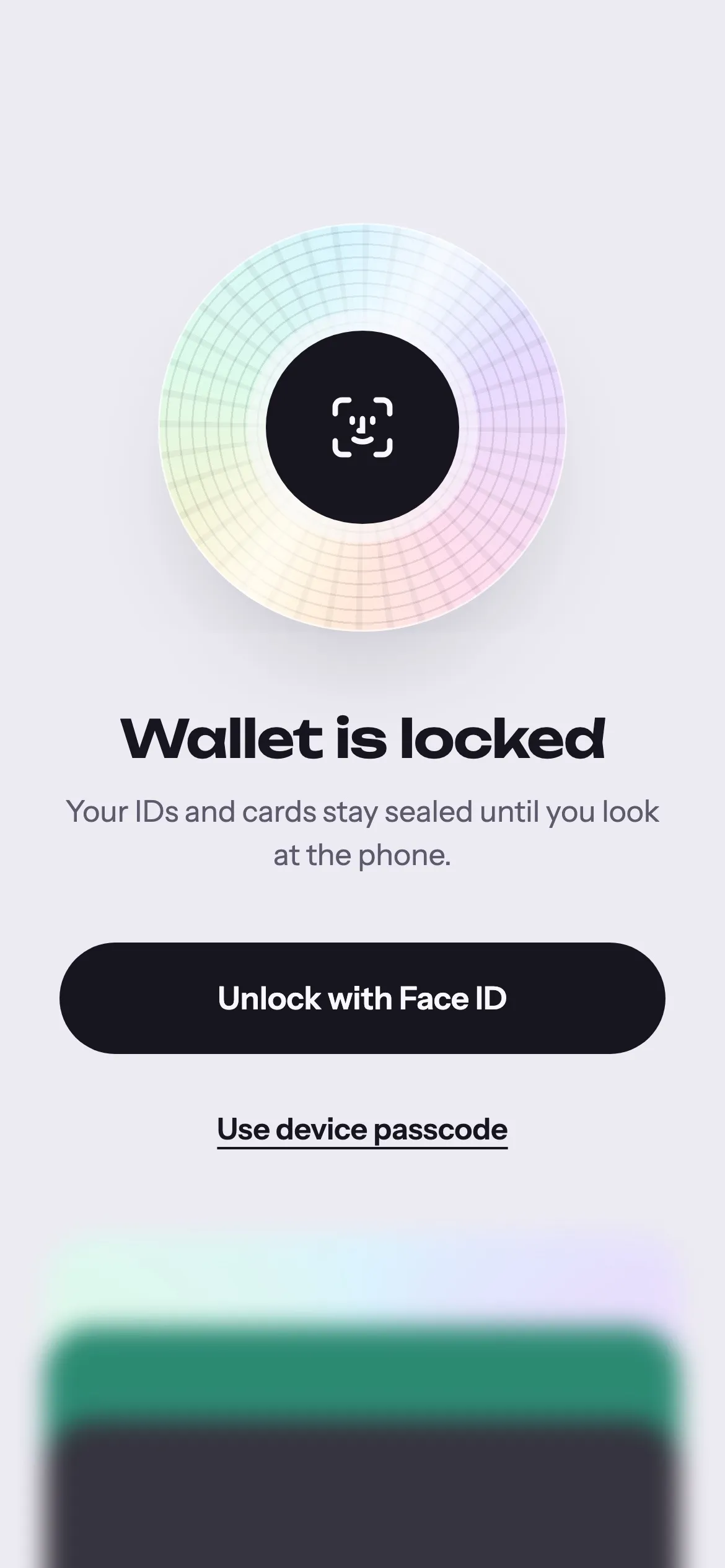
Your wallet holds the numbers people try to steal. So it stays on your phone, encrypted, behind the same lock as the phone itself.
- No account, no cloud Nothing to sign up for. Your wallet never leaves this phone, and we run no server to send it to.
- Encrypted on the phone Cards, documents and photos are encrypted with a key kept in the Keychain or Android Keystore.
- Locked to your face Face ID, Touch ID, fingerprint or your device passcode. The app blurs in the app switcher.
- Photos without location Every photo is re-encoded without location or other metadata before it is encrypted.
Questions
Something else? Write to hi@ngsang.app.
Is The Wallet free?
Yes. Membership card screens show a small banner ad. Document screens never do.
Can checkout scanners read my phone?
Yes. Barcodes are drawn big on a white panel that stays white in dark mode, and the screen goes to full brightness while a code is showing. Laser scanners at some older tills can’t read any phone screen; for those, keep the plastic.
What happens if I lose or replace my phone?
Your wallet stays with that phone. There is no account or cloud copy, and the app is left out of iCloud and Android backups because the encryption key can’t travel with them. On a new phone, add your cards again; most take a single photo.
Is a photo of my licence the same as the real one?
No. Documents in The Wallet are reference copies, handy for filling in forms or remembering a number. Carry the original whenever it’s required.
Which documents does it read?
Driver’s licences and ID cards from the US and Canada fill in their fields from the barcode on the back. Passports and IDs with a machine-readable zone are read from the code lines. You can also keep health cards, insurance cards and anything else as photos.
What data do you collect?
Your cards and documents: none, they stay encrypted on your phone. The ad banner on card screens uses Google AdMob, which receives device information to show the ad. Details in the privacy policy.

Leave the
plastic at home.
Membership cards, keytags and IDs in one encrypted pocket.